

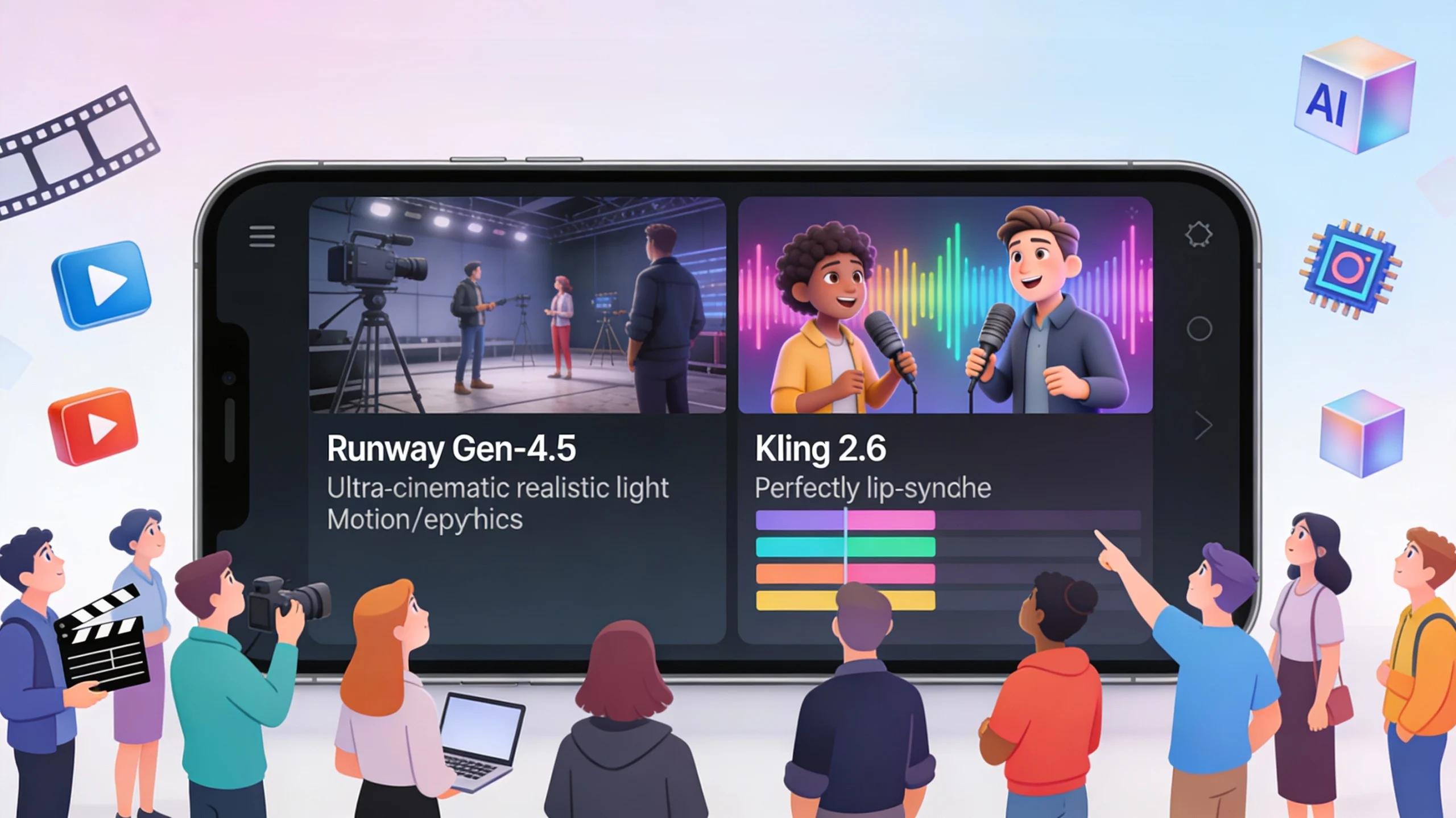
Runway Gen-4.5 vs Kling 2.6: Which AI Video Model Should Your Production House Use in 2025?
By late 2025, the debate isn’t about if you should use AI in your workflow, but which model deserves your budget. The release of Runway Gen-4.5 and Kling 2.6 has drawn a clear line in the sand for the industry.
For a creative agency or studio, the choice is no longer just about “text-to-video” quality. It is about how these tools fit into the chaotic, creative reality of life in a productions house. It’s about workflow integration, physics simulation, and the holy grail: synchronized audio.

Here is our in-depth comparison to help you decide which model fits your pipeline.
1. Visual Fidelity vs. Physics Engine
Runway Gen-4.5 has doubled down on what made it famous: “Insane Visuals.” The new update beats competitors in pure texture resolution and lighting accuracy.
The Edge: If you are producing high-gloss ad films or luxury corporate films where every pixel of light reflection matters, Gen-4.5 is the undisputed king. Its understanding of complex fluid dynamics and light refraction makes it ideal for VFX shots that need to blend seamlessly with live-action footage during post-production.
The Downside: It still focuses heavily on the visual. While the physics are SOTA (State of the Art), it requires a separate sound design workflow.
2. The Multimodal Revolution: Kling 2.6
While Runway focused on the eyes, Kling AI (via Kuaishou) focused on the ears. Kling 2.6 introduced the “Hear the Picture” feature, a one-click audio-video synchronization breakthrough.
The Edge: For viral videos, social media reels, and narrative short films, Kling 2.6 is a game-changer. It generates synchronized dialogue, singing, and environmental sound effects (SFX) automatically. This eliminates the need for a separate foley artist for quick turnaround projects.
Efficiency: For producers managing tight budgets, Kling’s ability to handle audio reduces the complexity often found in line production.
3. Workflow Integration for Filmmakers
A tool is only as good as its ability to fit into your existing pipeline.
Runway Gen-4.5: Geared towards the “Pro” user. Its API connects well with traditional editing software, allowing for “Director Mode” controls where you can dictate camera movement with granular precision. It feels like a high-end tool for feature films.
Kling 2.6: Positioned as an “All-in-One” solution. It excels in character consistency—a massive pain point for storytelling. If you need a character to look the same across 10 different shots in a digital ad film, Kling’s new 3D spatiotemporal attention mechanism holds the identity better than Gen-4.5.
4. The Verdict: Which One Wins?
Choose Runway Gen-4.5 if: Your priority is cinematic realism and VFX compositing for premium TV commercials or high-stakes client work.
Choose Kling 2.6 if: You are a video production team prioritizing speed, character consistency, and turnkey audio solutions for social content.
At Garage Productions, we believe the best workflow often involves a hybrid approach—using Gen-4.5 for establishing shots and Kling 2.6 for character-driven dialogue scenes.
Stay ahead of the curve. To see how these tools stack up against the broader market, check out our other film production blogs for more insights on the future of filmmaking.
FAQ’S
Q1: Which model is better for photorealism in ad films?
Runway Gen-4.5 currently holds the crown for photorealism and lighting, making it the superior choice for high-end ad films and luxury product showcases.
Q2: Does Runway Gen-4.5 generate sound for my videos?
No, Runway focuses on visuals; for integrated audio and dialogue generation, Kling 2.6 is the better choice for viral videos that need quick turnaround.
Q3: Is Kling 2.6 cheaper for a production house to run?
Yes, Kling 2.6 offers a competitive pricing structure that is cost-effective for studios managing high-volume post-production workflows.
Q4: Can Kling 2.6 keep a character’s face consistent?
Yes, Kling 2.6 features SOTA character consistency, which is crucial for storytelling and narrative projects where actors must look the same across scenes.
Q5: How do I integrate these tools into my current workflow?
Both models offer APIs, but Kling 2.6 integrates well for agile teams, while Runway offers “Director Mode” controls suited for detailed film production pipelines.