


How AI Video Editors Are Changing Post‑Production for Solo Creators and Studios
Post‑production used to be the bottleneck that slowed every creator. In 2025, AI video editors are removing that friction by automating repetitive tasks, enabling small teams to match studio output, and letting large studios iterate faster than ever.
Core AI Editing Capabilities
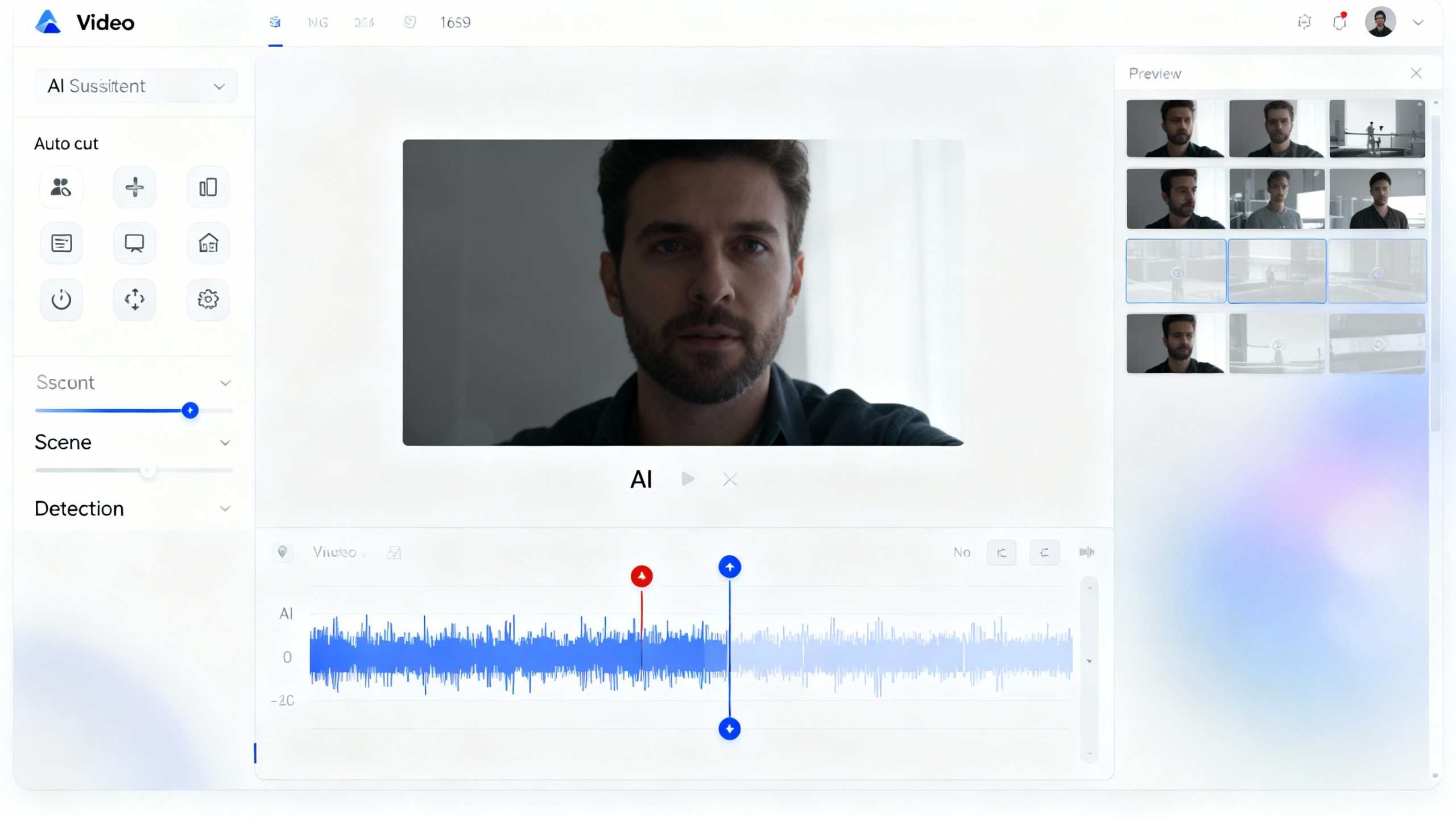
Modern AI tools handle auto‑cutting, silence removal, caption generation, and platform‑specific formatting in minutes rather than hours. They identify key moments in raw footage, delete filler, sync audio, and even suggest B‑roll based on transcript context. For podcasters and vloggers, AI can trim pauses and add animated captions automatically, reducing editing time by up to 70%.

Impact on Solo Creators
Solo creators now operate like mini‑agencies. A financial literacy YouTuber can upload a 20‑minute deep dive and receive 15 platform‑ready clips—each optimized for TikTok, Instagram, and LinkedIn—without hiring an editor. This democratization lowers the barrier to entry, letting students, side‑hustlers, and niche storytellers publish professional content consistently. AI also assists with script generation, thumbnail design, and metadata, freeing creators to focus on research and presentation.
Studio‑Level Efficiency Gains
For studios, AI editors slash turnaround times on client campaigns. Marketing teams can produce multiple ad variants, A/B test hooks, and localize captions in dozens of languages simultaneously. Film production houses use AI for first‑pass edits, storyboard animatics, and color grading, reserving senior editors for creative refinement. This hybrid workflow cuts project costs while increasing throughput, making high‑quality video accessible to mid‑tier brands.
Leading Tools in 2025
YouTube’s Creator AI Studios leads integration, offering auto‑cutting, Shorts generation, and script assistance inside the platform. Adobe Premiere Pro’s AI filters and Descript’s script‑to‑video editing dominate professional workflows. Specialized tools like Wisecut remove silences and add auto‑captions for solo creators, while Vizard repurposes long‑form content into viral clips at scale.
Challenges and Balance
Over‑reliance on AI risks creative homogenization. Algorithms may favor formulaic edits, and excessive automation can dilute a creator’s unique voice. Transparency is also critical—platforms must disclose AI assistance to maintain audience trust. The best approach treats AI as a co‑pilot, not a replacement, letting humans steer creative direction while machines handle execution.
Conclusion
AI video editors are not replacing editors—they are amplifying them. Solo creators gain studio‑level speed; studios gain creative bandwidth. In 2025, the winners are those who blend human storytelling with AI efficiency.
FAQs
Q1. How much editing time can AI save?
AI video editors reduce editing time by up to 70%, automating tasks like silence removal, caption generation, and multi‑platform formatting.
Q2. Which AI video editor is best for solo creators?
Wisecut, Descript, and Vizard are popular for solo creators, offering auto‑cutting, caption generation, and one‑click repurposing across platforms.
Q3. Can AI editors replace human editors?
No—AI handles repetitive tasks, but human editors refine creative decisions; the best approach combines both for efficiency and originality.
Q4. What can YouTube’s Creator AI Studios do?
It offers auto‑cutting of long videos into Shorts, script assistance, and one‑click formatting optimized for YouTube’s algorithm.
Q5. How do studios use AI editors for client work?
Studios use AI for first‑pass edits, storyboard animatics, and multi‑language localization, letting senior editors focus on creative refinement.